Enjoy Limited-Time 50% OFF! 🎉

AI Image Editor

Transform your images with natural language - just describe what you want to change

Choose Image

Drag & Drop

JPEG, PNG, WebP up to 10MB

Try Example Images:

Type what you want to change in plain English. "Make the sky sunset", "Remove the person", "Change to watercolor style"

Amazing Edit Examples: aiTools.aiImageEditor.editExamples.background0/500

Loading...

Amazing Edit Examples

See what's possible with AI-powered image editing
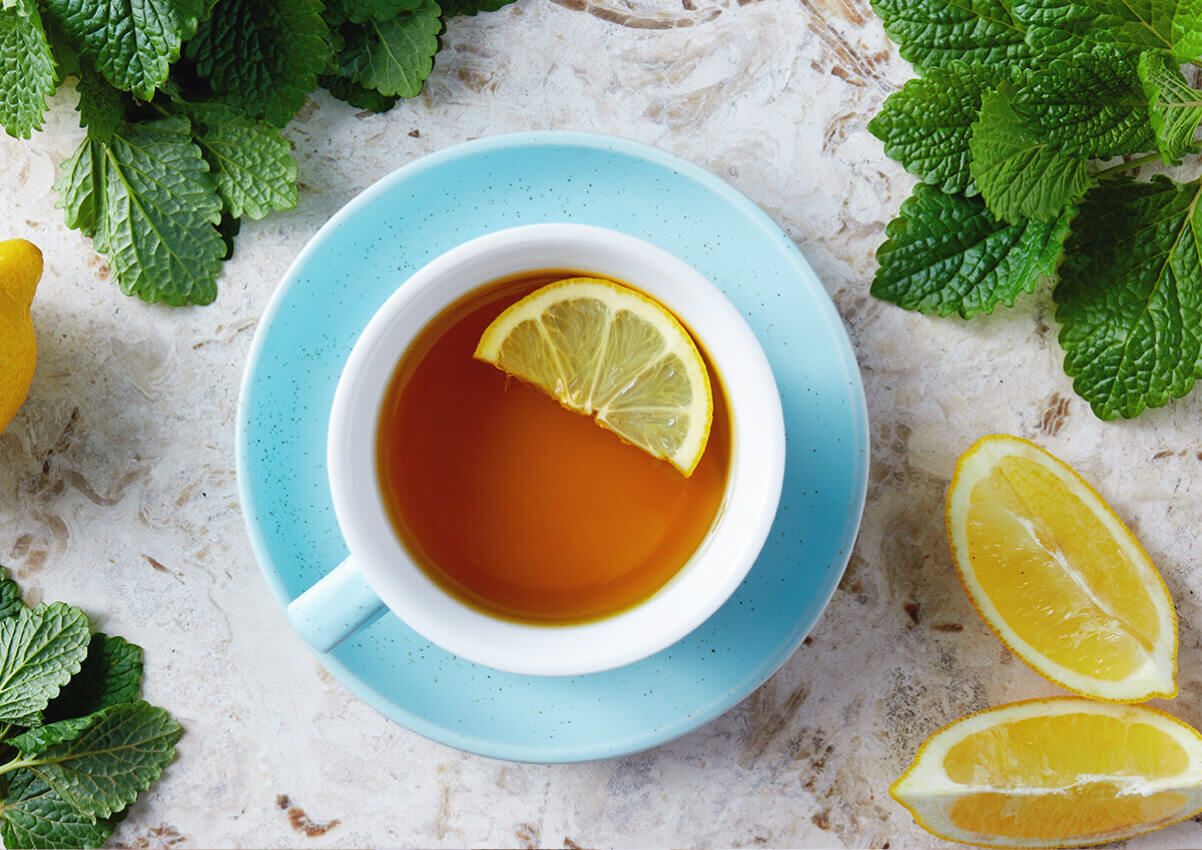
Background replacement example - Before
Background replacement example - After

Auto-switching, click to control manually

Advanced AI Editing Features

Professional-grade image editing powered by cutting-edge AI technology

Describe Your Edits

Tell the AI what changes you want in plain English

AI Processing

Our advanced AI understands and applies your edits instantly

Download Result

Get your professionally edited image in high quality

Professional AI-powered image editing made simple. Describe your edits in plain English and watch the magic happen.

Advanced AI Editing Features

Professional-grade image editing powered by cutting-edge AI technology

1

Upload Your Image

Start by uploading any image in JPEG, PNG, or WebP format

2

Describe Your Edits

Tell the AI what changes you want in plain English

3

AI Processing

Our advanced AI understands and applies your edits instantly

4

Download Result

Get your professionally edited image in high quality

AI Image Editor Capabilities

Transform your images with powerful AI tools

aiImageEditor.capabilities.smartUnderstanding.badge

aiImageEditor.capabilities.smartUnderstanding.title

aiImageEditor.capabilities.smartUnderstanding.description

aiImageEditor.capabilities.styleTransfer.badge

aiImageEditor.capabilities.styleTransfer.title

aiImageEditor.capabilities.styleTransfer.description

aiImageEditor.capabilities.fastProcessing.badge

aiImageEditor.capabilities.fastProcessing.title

aiImageEditor.capabilities.fastProcessing.description

Pixel-Perfect

Precise Edits

Target specific areas and objects with text descriptions

One-Click

Background Magic

Replace, blur, or modify backgrounds with simple commands

HD+ Output

High Quality

Professional-grade results with full resolution preservation

Privacy-First

Safe & Private

Secure processing with automatic deletion within 24 hours

Unlimited

Multiple Edits

Apply unlimited modifications and chain edits together

Frequently Asked Questions

Everything you need to know about AI Image Editor

AI Image Editor is an advanced tool that uses InstructPix2Pix and FLUX-Pro diffusion models trained on 15 million image-instruction pairs to edit images based on text descriptions. Simply upload an image, describe the changes you want in plain English, and our AI will intelligently apply those edits with 95% semantic accuracy while preserving the quality and integrity of your original image.
aiImageEditor.faq.typesOfEdits.answer
aiImageEditor.faq.accuracy.answer
aiImageEditor.faq.creditCost.answer
aiImageEditor.faq.supportedFormats.answer
Most edits are completed within 5-10 seconds using our GPU-accelerated pipeline. Simple edits (color, lighting) process in 3-5 seconds, while complex transformations (object replacement, style transfer) take 8-12 seconds. Our FLUX-Pro turbo mode reduces processing time by 40% compared to standard diffusion models.
Yes! You can apply multiple edits to the same image by uploading it again with different instructions. Each edit session consumes 2 credits. You can also chain edits by using a previously edited image as your new source.
Absolutely. We prioritize user privacy and security. All uploaded images are processed on secure servers and automatically deleted within 24 hours. We never share, sell, or use your images for any other purposes. All processing is encrypted end-to-end.
Yes, all images edited using our AI Image Editor can be used for both personal and commercial purposes. You retain full rights to your edited images with no attribution required.
You can try different descriptions to get better results. Be more specific about what you want to change. If you continue to have issues, our support team is available to help optimize your prompts for better results.
    AI-Powered Photo Editor: Smart Editing Tools & Instant Effects